Sample JPG Files — Download Test JPEG Images (100 KB to 5 MB)
JPEG — Joint Photographic Experts Group · .jpg, .jpeg · MIME type image/jpeg
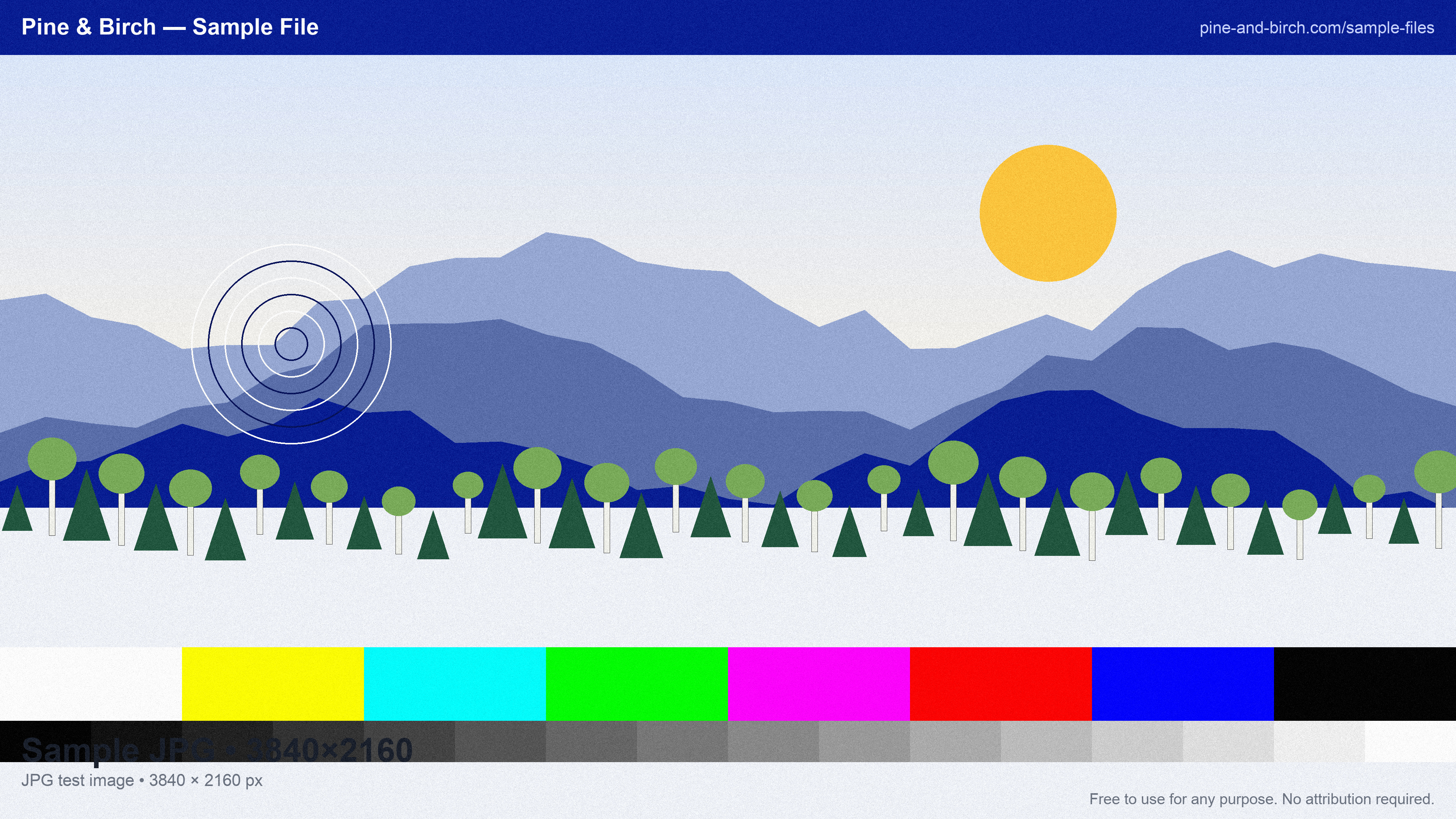
Download a sample JPG file in the size you need — from a 100 KB 640×480 image to a 5 MB 4K image — each one a branded test card with colour bars, a grayscale ramp and fine detail, so you can judge compression artefacts at a glance. Sizes are tuned by encoding quality, not by padding, so the files behave like real photographs in a pipeline.
JPEG is the format most uploads arrive in: every phone camera and most web tools default to it. It is lossy, has no transparency and no animation, but it produces the smallest files for photographic content, which is why it has survived since 1992.
Download sample JPG files
| File | Details | Size | Download |
|---|---|---|---|
sample-image-640x480-100kb.jpg | 640 × 480 · q85 | 101 KB | |
sample-image-1280x720-500kb.jpg | 1280 × 720 · q94 | 492 KB | |
sample-image-1920x1080-1mb.jpg | 1920 × 1080 · q93 | 988 KB | |
sample-image-2560x1440-2-5mb.jpg | 2560 × 1440 · q97 | 2.6 MB | |
sample-image-3840x2160-5mb.jpg | 3840 × 2160 · q96 | 5.0 MB |
Need one of every images format? Download the images sample pack (1.3 MB, one small file of every images format (10 files)).
Use these files from the command line or CI
Every URL is stable and CORS-open. Pin the SHA-256 in your test and you will know the moment a fixture changes.
# Download one file
curl -O https://pnb-website-bucket.s3.us-east-2.amazonaws.com/samples/images/jpg/sample-image-640x480-100kb.jpg

# Verify it (SHA-256 is listed for every file above)
shasum -a 256 sample-image-640x480-100kb.jpg

# Machine-readable index of every sample file
curl https://pnb-website-bucket.s3.us-east-2.amazonaws.com/samples/index.json | jq '.files[] | select(.format=="jpg")'
JPG format at a glance
| Full name | JPEG — Joint Photographic Experts Group |
|---|---|
| Extensions | .jpg, .jpeg |
| MIME type | image/jpeg |
| Standard | ISO/IEC 10918 (1992), JFIF container |
| Compression | Lossy (DCT), quality 1–100 |
| Colour | 24-bit RGB, CMYK, grayscale |
| Transparency | No |
| Animation | No |
| Max dimensions | 65,535 × 65,535 px |
| Magic bytes | FF D8 FF |
What people test with sample JPG files
- Upload size limits and resize-on-upload pipelines
- Thumbnail and responsive-image generation
- Compression quality comparisons (the 4K file at q≈60 vs the 640×480 at q≈90)
- CDN and image-optimization service behaviour
- EXIF and colour-profile handling
Frequently asked questions
What is the difference between JPG and JPEG?
Nothing — they are the same format. The three-letter .jpg extension comes from early Windows systems that could not handle four-letter extensions; .jpeg is the original. Every reader accepts both.
Why is a 1 MB JPG only 1920×1080 while a 1 MB PNG is smaller?
JPEG discards detail the eye is unlikely to notice, so it stores a 1080p photograph in around 1 MB at high quality. PNG is lossless and has to store every pixel exactly, so it needs more bytes per pixel for photographic content and fewer for flat graphics.
Can I convert these JPGs to another format?
Yes, and you can do it in your browser without uploading: our free Image Converter turns JPG into PNG or WebP, and the Image Resizer changes dimensions. Both run entirely client-side.
Are these JPG files safe to download?
Yes. Every file is generated by our own open script from scratch — nothing is scraped or user-uploaded — and contains no scripts, macros or executables. The SHA-256 of each file is published on this page so you can verify what you received.
Can I use the sample JPG files commercially?
Yes. They are free for any purpose, including commercial products, test suites, demos and redistribution, with no attribution required. There is nothing to license and no one to ask.
Can I hotlink these files or use them in CI?
Yes. Every link is a stable direct URL over HTTPS with Access-Control-Allow-Origin: * and long cache headers, so curl, wget, fetch() and test runners can pull them directly. A JSON index of every file is linked from each page (see the command-line section).
Related sample files
Free tools that work with JPG
- Image Converter — Convert images between PNG, JPG, and WebP right in your browser. Files never leave your device.
- Image Resizer — Shrink images by percentage, exact pixel dimensions, or a target file size like 500 KB — all in your browser.
- Image Cropper — Crop images to any size or aspect ratio in your browser — square, 16:9, 4:3, or freeform.
Testing a file pipeline? We build them.
Uploads, conversions, previews, document processing and media workflows are the kind of production systems Pine & Birch designs and runs for clients — which is why we needed these files in the first place.
See how we can help