
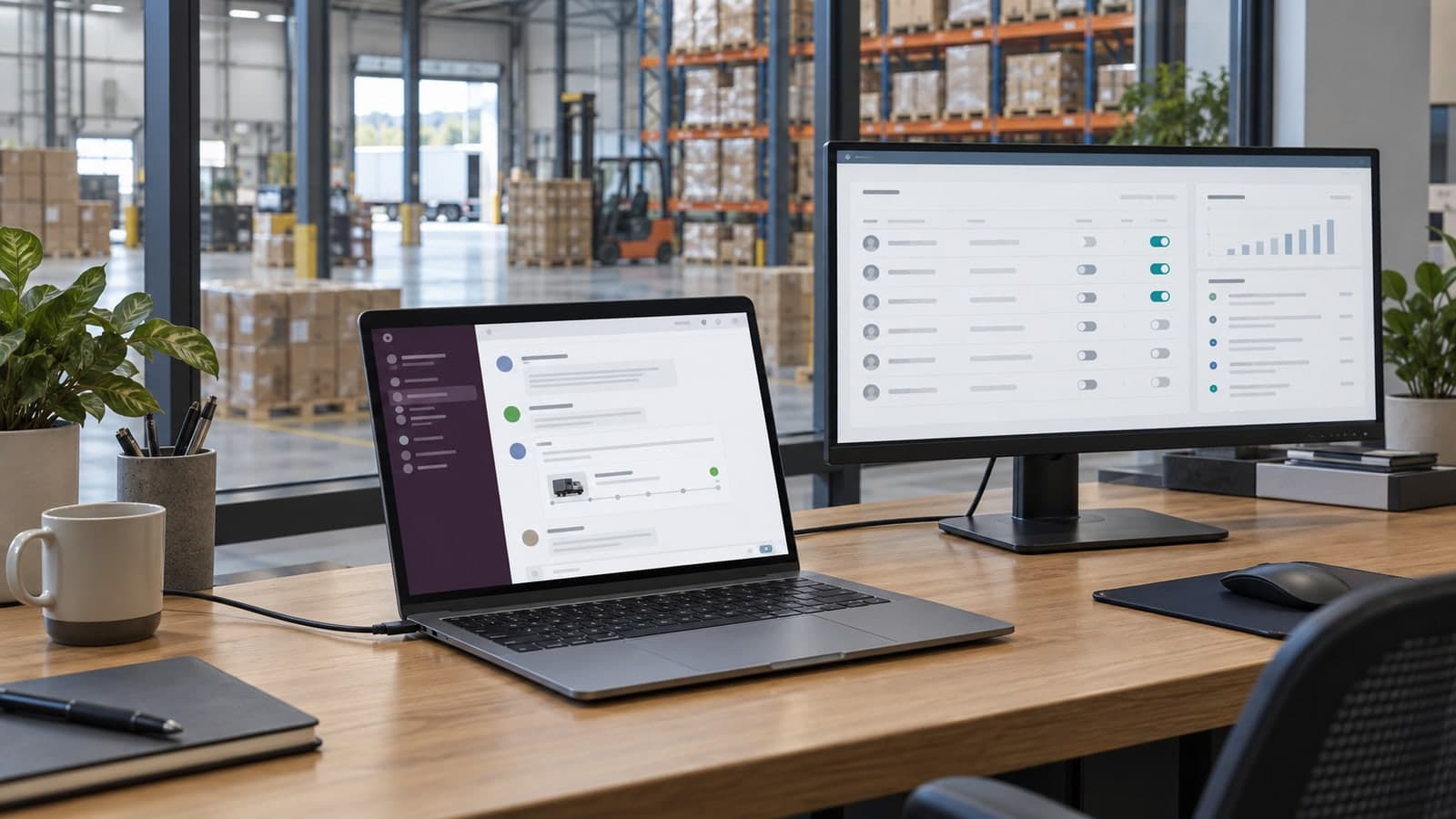
A permissioned, fully audited AI agent that staff talk to in Slack to create, track and update orders — with a console that controls who can do what
An internal AI employee for a large logistics company: staff manage orders from Slack, with role-based permissions, an admin console and every action logged.
The Challenge
The company moves a high volume of freight for hundreds of customers, and most of the day-to-day work of that business is order handling: creating orders, checking status, updating delivery details, chasing exceptions, answering "where is it" from sales and from customers. That work was spread across an order management system, spreadsheets, email threads and a great deal of Slack — where staff were already asking each other the questions the systems should have answered.
Leadership wanted AI to take on that load, but the obvious options failed the first security conversation. A public chatbot with the company's order data behind it was a non-starter. A generic AI assistant with broad system access would have meant every employee, regardless of role, could see and change everything. And any tool that could act on real orders needed an answer to the question an enterprise IT team always asks first: who did what, when, and who allowed it.
So the brief was not "add a chatbot". It was: give staff an AI colleague they can talk to where they already work, let it actually do the order work rather than just describe it, and put the whole thing under controls that an operations director and an IT security lead would both sign off on.
Our Approach
We started where the work happens. Two weeks of discovery with dispatchers, customer service and the operations team produced a map of the order workflows that consumed the most time — creation, status lookup, amendments, exception handling — and, just as important, the ones that should never be automated without a person approving the outcome. That list, not a feature wishlist, defined the agent's first scope.
The agent itself was built as a Slack-native AI employee. Staff open a direct message or mention it in a channel and ask in plain language: create an order for this customer with these details, what is the status of order 4471, move Thursday's delivery to Friday, show me everything overdue for this client. The agent reads and writes through the company's order management system via a controlled integration layer — it never touches the database directly — and replies in Slack with what it did, what it found, and a link to the record.
Underneath sits the part that made the security conversation short: an admin console. Administrators add and remove employees, assign roles, and set exactly what each role can see and do — read-only status for some teams, order creation and amendment for dispatch, approval rights for supervisors. Every request the agent receives and every action it takes is logged against the Slack user who asked, so the audit trail is complete and readable. Actions above a defined threshold — a large order, a change to a live delivery — require an in-Slack approval from someone with the right role before the agent executes.
Reliability was engineered rather than assumed. The agent is grounded in the company's own order data and business rules, confirms its understanding before writing anything, and hands off to a human — with full context — whenever a request falls outside what it is permitted or confident to do. We rolled it out to one team first, tuned it on their real conversations for two weeks, then widened access role by role through the console rather than switching it on for everyone at once.
An order action with controls
- Request in SlackA staff member asks for order work
- Check permissionRole and approval rules are applied
- Act through the OMSThe integration reads or writes the order
- Reply and logThe result ties back to the requester
The Results
Order work that used to mean opening a system, searching, editing and then telling someone in Slack now happens in the Slack message itself, in seconds, from a phone or a desk. Staff describe the agent the way they would describe a capable colleague who handles the routine cases — which was the goal.
The controls held up to scrutiny. Security and operations both approved a company-wide rollout because they could see, in the console, precisely who could do what, and could read the log of every action the agent had taken. Nobody has access they were not explicitly granted, and removing a departing employee takes one click.
Because the integration layer and the permission model are general rather than order-specific, the company now has a foundation for further AI employees — the next candidates are customer-facing status updates and document processing for proof-of-delivery — without repeating the security work. That is the pattern we recommend to every enterprise: build the controls once, then add capabilities behind them.
- Client :Large logistics company
- Industry :Logistics & Freight
- Location :Ontario, Canada
- Duration :16 weeks
- Services :AI Agent Development, Custom Software, Cloud & Security
Slack
where staff work with the agent — no new app to learn
Role-based
permissions per team, managed in an admin console
100%
of agent actions logged against the requesting user
Human approval
required above a defined threshold before the agent acts
Before and After the AI Employee
| Before | With the Agent | |
|---|---|---|
| Checking an order's status | Open the OMS, search, read, relay in Slack | Ask in Slack, answer in seconds with a link |
| Creating or amending an order | Manual entry by whoever had system access | Plain-language request; agent writes it, confirms, logs it |
| Who can do what | Broad system logins, hard to audit | Roles and permissions set per team in a console |
| Accountability | Reconstructed from emails and memory | Every action logged with the requesting user |
| Off-boarding an employee | Multiple system accounts to revoke | One removal in the console |