

You need a 10 MB PDF to check an upload limit. You search for one, land on a site with four download buttons of which three are ads, click the right one, and get a 2 MB file that turns out to be a renamed JPEG. This happens often enough that most developers end up generating their own test files badly, with a shell command they half-remember, and never test the cases that actually break things. This is a guide to doing it properly: where to get files you can trust, which sizes matter, and which edge cases find real bugs.
Why Most Sample File Sites Are Not Safe to Use
The economics explain the experience. A site offering free downloads earns nothing from the download itself, so it earns from advertising, and the way to maximise advertising revenue on a page whose visitor wants to leave immediately is to make leaving difficult. Hence the fake download buttons, the interstitials, and the countdown timers. None of that is a security problem by itself. The problems are quieter.
The first is provenance. A great many "sample" images and videos are someone's copyrighted work, scraped and republished. Using one in an internal test is unlikely to matter. Committing it to a public repository, shipping it inside a product as a placeholder, or including it in a demo you publish is a different question, and the licence you were given was usually no licence at all.
The second is accuracy. Files are routinely mislabelled. A file offered as a 10 MB sample is 9.54 MB, or 10.4 MB, because someone picked the nearest thing to hand. Worse, the format is sometimes wrong: a .docx that is really a .doc, an .otf that is a renamed .ttf, a .tiff that is a JPEG. If you are testing an upload limit, an approximate size is useless. If you are testing a parser, a mislabelled format means you are testing the wrong code path and concluding the wrong thing.

The third is that almost nobody publishes the interesting files. Every site has a valid JPEG. Almost none has a truncated one, or a zero-byte upload, or an HTML file wearing a .jpg extension. Those are the files that find bugs, and they are tedious enough to construct by hand that most test suites simply never try them.
How to Check a Test File Before You Trust It
Three checks take about thirty seconds and catch nearly everything. First, confirm the bytes match the claimed format. The file command reads magic bytes rather than the extension, so it tells you what a file actually is:
file sample.pdf
# sample.pdf: PDF document, version 1.7

file suspicious.jpg
# suspicious.jpg: PNG image data, 64 x 64  ← not a JPEG
Second, check the exact byte count rather than the rounded display size. wc -c or ls -l gives you the number that matters. A file manager showing "10 MB" may be reporting 10,485,760 bytes in binary units or 10,000,000 in decimal, and if your upload limit sits between the two, that difference is the entire test.
Third, check the licence, and prefer files whose provenance is explicit. Generated files carry no third-party copyright by construction. If a site does not state a licence, assume you do not have one.
Generate Your Own When Only the Size Matters
For upload limits, transfer timing and storage quotas, the contents are irrelevant and generating the file yourself is the fastest, most private option. On macOS or Linux:
# exactly 10,000,000 bytes of random data
head -c 10000000 /dev/urandom > test-10mb.bin

# 10 MiB (10,485,760 bytes), written instantly as a sparse file
mkfile -n 10m test-10mib.bin        # macOS
truncate -s 10M test-10mib.bin      # Linux

# 10 MiB of real random bytes, not sparse
dd if=/dev/urandom of=test.bin bs=1m count=10
On Windows, from an elevated prompt:
fsutil file createnew test.bin 10000000Two warnings. Sparse files, which mkfile -n, truncate and fsutil all create, occupy almost no disk space and can behave differently from real data when read or uploaded. And random bytes are incompressible, which is what you want when measuring raw throughput but not when you are checking whether compression is enabled. For that, use a zero-filled file, which compresses to almost nothing.
If you would rather not remember any of that, our free test file generator builds a file of any exact size in your browser, from one byte to two gigabytes, as random bytes, zeros, text, CSV or JSON. Nothing is uploaded, so it works inside a corporate network and reveals nothing about what you are testing.
Use Real Files When the Format Matters
The moment anything downstream parses the file, generated bytes stop working. A PDF library will reject random bytes with a .pdf extension. A video transcoder needs a real container with real codec data. An image resizer needs actual pixels. A font loader needs a genuine glyph table. For these you need files that are really the format they claim to be.
This is why we built and published our own set. Every file on our sample files library is generated from scratch by open scripts rather than scraped, so nobody else has a claim on it, and every file lists its exact byte count and a published SHA-256 you can pin in a test. There are no ads and no sign-up, links are direct HTTPS with open CORS headers, and the whole catalogue is available as a JSON index if you would rather script against it than click.
A few things there are genuinely hard to find elsewhere. Sample fonts in TTF, OTF, WOFF and WOFF2 are rare because almost no font may legally be redistributed; ours are under the SIL Open Font License, which permits it, and the OTFs are rebuilt with real CFF outlines rather than being renamed TrueType files. PSD, AI and EPS files are written against their published specifications rather than exported from someone's artwork. And large files run to 1 GB, for the bandwidth and timeout cases that small samples cannot reach.
Which Sizes Are Actually Worth Testing
Testing a random assortment of sizes wastes time. The sizes that find bugs cluster around the limits that real systems impose, and the most valuable test is always a pair: one file just under a limit and one just over, because that tells you whether the boundary is inclusive and whether the failure is graceful.
Beyond those, test a zero-byte file, a one-byte file, something in the low kilobytes, and something large enough to take more than thirty seconds on your slowest expected connection, because that is where proxy and gateway timeouts live. Then test the same limit in both unit systems: if the documentation says 10 MB and the implementation checks 10 × 1024 × 1024, a 10,000,000-byte file passes and a 10,485,761-byte file does not, and neither result tells you what you assumed.
The Files That Actually Find Bugs
A valid file proves that the happy path works, which you probably already knew. The interesting question is what your code does with input it did not expect. Here are the cases that most often find something, roughly in order of how often they do.
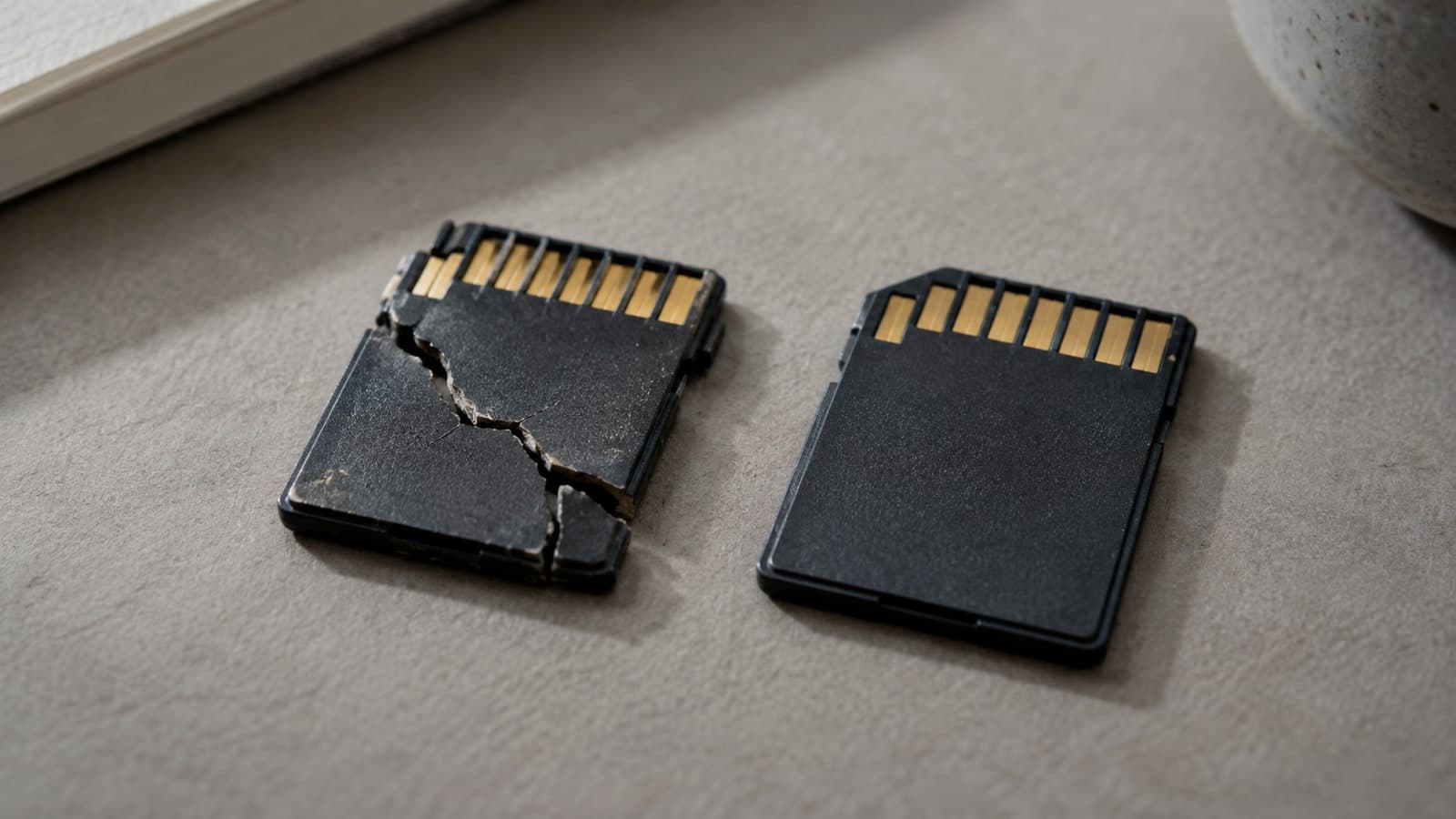
An HTML file with an image extension. This is the one that matters most, because it is a security issue rather than a robustness one. If your application accepts it, stores it, and later serves it back with a content type guessed from the contents, a browser renders it as a page on your domain, and you have stored cross-site scripting delivered through an image upload. Accepting the file is fine. Serving it back as HTML is not. Serve user uploads from a separate domain, or with Content-Disposition: attachment and X-Content-Type-Options: nosniff.
A zero-byte file. Validators that check a maximum size routinely forget the minimum, and code that reads a first byte before checking there is one crashes rather than returning a clean error. This is the single most commonly missed case.
A truncated file. This is what an interrupted upload actually looks like: a valid header followed by incomplete data. Code that trusts the header and streams the rest fails here, and where it fails tells you whether your error handling is where you think it is.
A photo with EXIF GPS and an orientation tag. Every image pipeline needs to get two things right: strip location data before publishing, or you leak where your users live, and apply the orientation tag, or every portrait photo appears sideways. A single file carrying both tests both.
A CSV with cells beginning with an equals sign. Excel, Google Sheets and LibreOffice interpret a cell starting with =, +, - or @ as a formula. If your application exports user-supplied text to CSV without escaping those prefixes, whatever a user typed into a form arrives in a colleague's spreadsheet as a live formula. This is a real vulnerability class with a trivially simple fix, and it is missed constantly.
Awkward filenames. Long names overflow database columns and object-store key limits. Non-ASCII names break Content-Disposition headers and URL escaping, and on macOS expose the difference between composed and decomposed Unicode. The name, not the contents, is the test.
We publish all of these as a single edge-case pack — twenty-one files built to fail, with a note on each explaining what it tests. Everything in it is safe: no zip bombs, no path traversal, no executables and no malware test strings. The largest archive expands to about a hundred kilobytes.
Making Test Files Part of Your Test Suite
Downloading files by hand does not scale, and committing large binaries to a repository is its own problem. Fetch them at test time and pin the hash instead. Our catalogue publishes a SHA-256 for every file, so a fixture that silently changes is a test failure rather than a mystery:
npm install --save-dev pnb-sample-filesimport { findOne, download } from "pnb-sample-files";
test("rejects uploads over 5 MB", async () => {
const big = await findOne({ format: "png", minBytes: 5_000_000 });
const bytes = await download(big, { verify: true });
await assert.rejects(() => upload(bytes));
});Or straight from the command line, with no dependency at all:
npx pnb-sample-files get --format pdf --near 10MB --verify
npx pnb-sample-files get --category edge-cases --all --out ./fixtures
A Short Checklist
If you take nothing else from this, take these seven. Check a minimum size as well as a maximum. Determine file type from the bytes, never from the extension or the browser-supplied content type, because both are attacker-controlled. Serve user uploads from a separate domain or force them to download. Strip EXIF before publishing an image, and apply the orientation tag before you strip it. Escape leading =, +, - and @ when writing user text into CSV. Set explicit limits on archive entry counts, uncompressed size and parser recursion depth. And decide what a partially uploaded file should do, then test it rather than assuming.
We build and maintain the kind of systems where upload handling, file processing and data pipelines have to be right the first time. If you would like a second pair of eyes on yours, our full-stack development team can help — or start with the free sample files and the test file generator.